
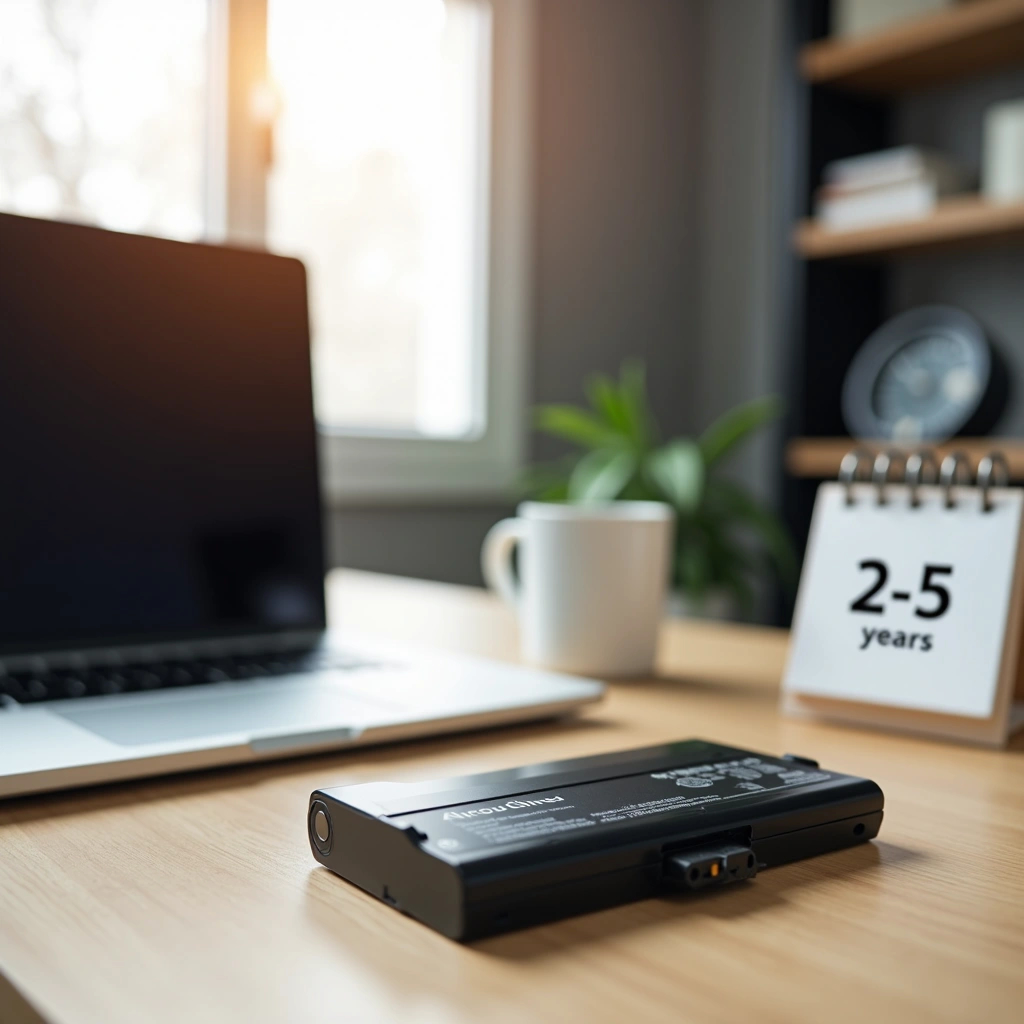
Laptop Battery Replacement: Have you ever thought about what kind of impact the length of time your laptop battery is used has on the battery itself? On average, laptop batteries last 2–5 years, or approximately 300–500 charge cycles. As for battery retention, most batteries typically retain around 80 percent of their original capacity after completing 500 cycles. However, most users begin noticing a decrease in run-time within the first 18 – 24 months.
Knowing how long a laptop battery is supposed to last and understanding signs of a laptop battery being bad can protect you against sudden shutdowns, poor performance, etc. This post will outline the expected lifespan of a laptop battery, along with factors that contribute to extending/shortening the lifespan of a laptop battery. Additionally, you will learn what to look out for regarding signs that suggest it’s time to replace your battery.
Expected Lifespan of Laptop Batteries (Years & Charge Cycles)
The lifespan of a laptop battery is measured by both years and charge cycles. On average, most modern lithium-ion laptop batteries can provide 300–1,000 full charge cycles before they begin to lose capacity due to cycle fatigue. The ability to achieve these numbers varies by your computer’s make and model. Some Apple computers, for example, have a specified maximum charge cycle count of 500, whereas others manufactured by Lenovo, for example, have a maximum charge cycle count of 300.
Charge cycles are considered complete when you use 100 percent of your battery’s available energy, although this does not necessarily require you to deplete your battery from 100 percent to 0 percent all at once. For example, if you use 50 percent of your battery one day, recharge it, and then use another 50 percent the following day, this would constitute one complete charge cycle. This difference makes sense, since someone who keeps their battery topped up at 80 percent will not accumulate charge cycles nearly as fast as someone who discharges their battery to 5 percent each night.
Under normal operational circumstances, lithium-ion batteries tend to retain about 80 percent of their initial capacity after completing 500 charge cycles. Therefore, a new laptop battery with an estimated runtime of ten hours might actually only have eight hours of runtime left. New laptop batteries are designed to fully attain 100 percent capacity, but they may have lost twenty percent of their total capacity after 300 – 500 charging cycles.
Power Users Will Notice Deterioration Faster Than Average Users
Batteries naturally age and degrade over time regardless of whether they are utilized minimally or extensively. Power users who continuously operate intensive applications on their laptops will likely notice deterioration in their batteries sooner than average users.
Variables That Determine How Long Your Laptop Battery Lasts
Temperature is the single largest variable determining how long your laptop battery will last. Lithium-ion batteries function optimally in moderate temperatures ranging from 68°F to 77°F. Exposure to extreme high temperatures, i.e., above 95°F, causes accelerated degradation and can result in substantial reductions in battery life. Studies comparing temperatures reveal that a battery kept at 40°C for one year resulted in a reduction in capacity equaling 25%, whereas a similar study revealed that storing a battery at 25°C resulted in a reduction in capacity equaling only four percent. Extreme cold temperatures temporarily lower battery capacity. Once the battery reaches its optimal working temperature, however, this negative effect is reversed.
Usage Patterns Significantly Impact Battery Longevity
As previously mentioned, your utilization patterns greatly impact the duration of your laptop battery. Low-power consumption activities such as web surfing consume relatively little power. Applications that consume considerable amounts of power such as video editing or gaming severely shorten battery runtimes. Depending on the application(s), the rate at which your battery drains may vary based on whether you are utilizing light or intense applications.
Charging Habits Also Matter
Maintaining proper charging habits can also positively or negatively influence the life-span of your laptop battery. Keeping your battery between twenty-percent and eighty-percent charged rather than charging it from zero-to-hundred percent on a frequent basis helps to preserve its lifespan. Research has shown that maintaining a thirty-three percent discharge limit can lead to more than three times as many charge cycles as full discharge cycles. When your battery falls below twenty-percent capacity, however, voltage drops occur that cause mechanical stress on electrode materials leading to accelerated aging and potentially shortening your battery’s overall lifespan by thirty to fifty percent.
Manufacturer Quality of Batteries Varies
There is a wide disparity among manufacturers regarding quality of batteries. High-end laptops include better-quality batteries that support far more charge cycles than those found in entry-level devices.
Identifying Whether Your Laptop Battery Has Reached End-of-Life
Microsoft offers methods of assessing your laptop’s battery health. To do so, open Command Prompt and enter powercfg /batteryreport to create an HTML-based report detailing various statistics. Two of the most important statistics reported in the report are design capacity (the originally intended capacity of your battery) and full charge capacity (the current maximum capacity). Significant gaps between these values indicate degradation. If your full-charge capacity falls below 67% of your design capacity, replacement is necessary.
Other Signs May Indicate Failure
You can also identify potential failures through physical symptoms. Physical signs indicating failure include: bulging/swelling of the battery casing; cracking of the track-pad; bulging keyboards; or when your laptop wobbles excessively on a flat surface. These types of physical symptoms indicate excessive internal pressure caused by damaged electrode material inside the battery casing. All physical symptoms must be addressed immediately as they present serious fire hazards. Immediately cease using your device until you’ve safely disconnected the AC adapter and allowed the battery to discharge.
Additionally, there are performance-related indicators which may signify impending failure or failure. Examples of performance-related indicators include: Sudden shutdowns occur when your laptop shuts down unexpectedly even though your battery level remains indicated as sufficient. Shutdowns are caused by failing battery cells. Erratically charging occurs when your charger becomes ‘stuck’ at low percentage points or takes longer than usual to recharge. Excessive heat generation accompanied by constant fan activity and/or an extremely hot chassis signifies increased internal resistance due to degraded materials inside the battery.
Ultimately, replacement is necessary when your runtime falls below fifty percent of your original runtime; after approximately three years of extensive usage; or when diagnostics report “fair” or “poor” health status.
Conclusion
The lifespan of your laptop battery is dependent upon how well you take care of it. Most batteries will last anywhere from 2 – 5 years with proper maintenance. Temperatures can play a significant factor in how well a battery holds up, therefore it is essential to avoid leaving your laptop in environments where it will be subjected to extreme temperatures (i.e., near windows during winter months). Avoiding full discharge cycles and keeping your charge levels between twenty and eighty percent charged can also help prolong the lifespan of your battery. Regular health checks performed using Microsoft’s built-in reporting tool can assist in identifying potential problems before they become major issues. Ultimately, replacement should occur once either sixty percent or less capacity remains; or when noticeable physical damage appears (bulge/swell) to ensure safe operation
Laptop Replacement Battery | Blog Article | Econo-Tech | All Rights Reserved | Farmingdale, NY.